24 June 2026 · 1 min read
How to build a digital wardrobe (and actually use it)
A step-by-step guide to digitising your closet so you wear more of what you own, shop smarter, and get dressed faster every morning.
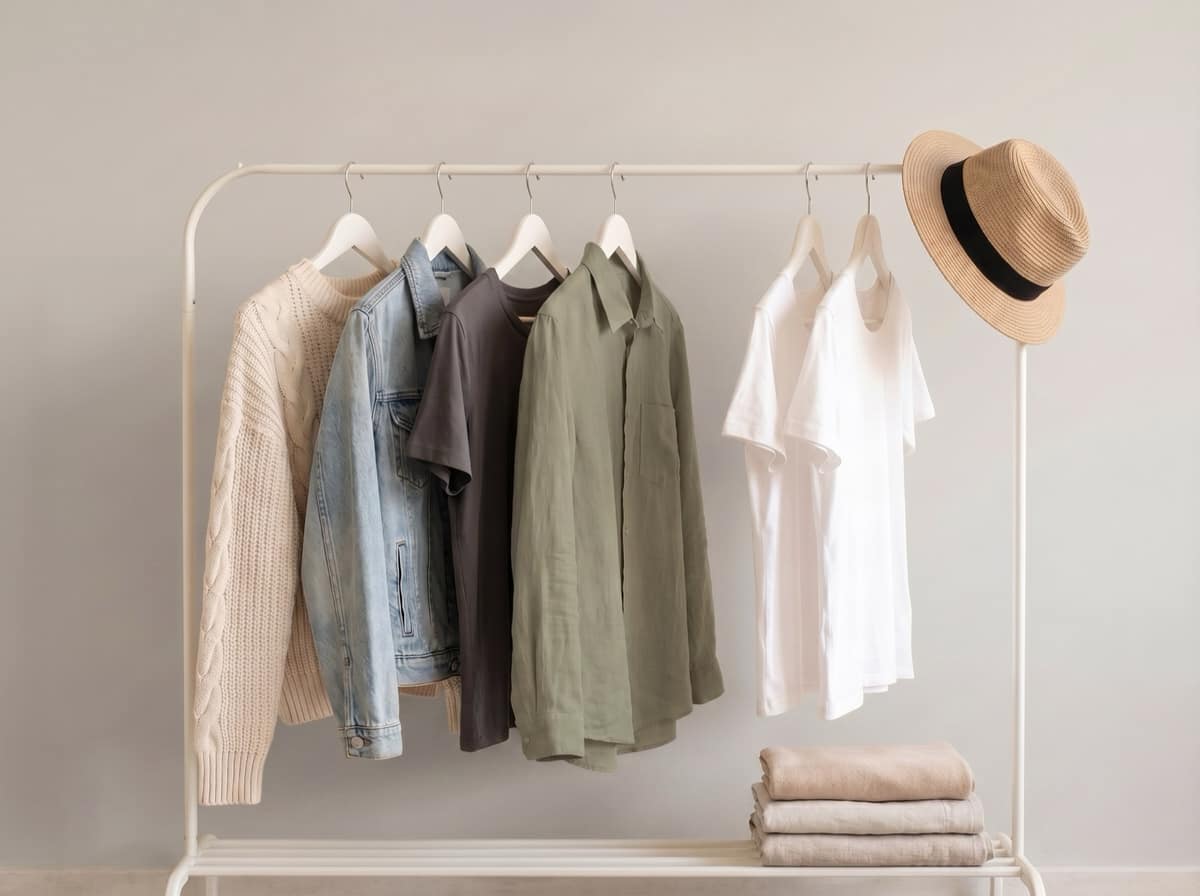
Most of us wear a fraction of what we own. Not because the rest doesn't fit or suit us, but because we simply forget it's there. A digital wardrobe fixes that by putting your entire closet in your pocket, searchable and styled.
Here's how to build one that you'll genuinely use.
1. Start with what you reach for
Don't try to photograph everything in one sitting. Begin with the 20 to 30 pieces you actually wear. This gives you a useful wardrobe within minutes and builds the habit without the overwhelm.
2. Photograph in good light
Natural light against a plain surface works best. With MyDrobe, you don't need a studio. The app automatically removes the background and turns each photo into a clean product shot, so your wardrobe looks consistent no matter where you snap it.
3. Let the details fill themselves in
Manually tagging every item is where most wardrobe apps fall down. MyDrobe auto-detects the item's name, category and colour, so your collection stays organised without the admin.
4. Use it to plan, not just store
A digital wardrobe earns its keep when you style from it:
- Build outfits by combining pieces and previewing them on yourself with AI try-on.
- Rediscover forgotten items by browsing your closet by colour or category.
- Shop your own wardrobe first before buying something new.
5. Keep it current
Add new purchases as they arrive and remove anything you've donated. A five-second habit keeps your wardrobe accurate, and accurate is what makes it useful.
Ready to see your whole closet in one place? Download MyDrobe and build your digital wardrobe in minutes.