18 June 2026 · 1 min read
Virtual try-on: see outfits on you before you wear them
How AI virtual try-on works, why it beats guessing in front of the mirror, and how to get the most realistic results from your photos.
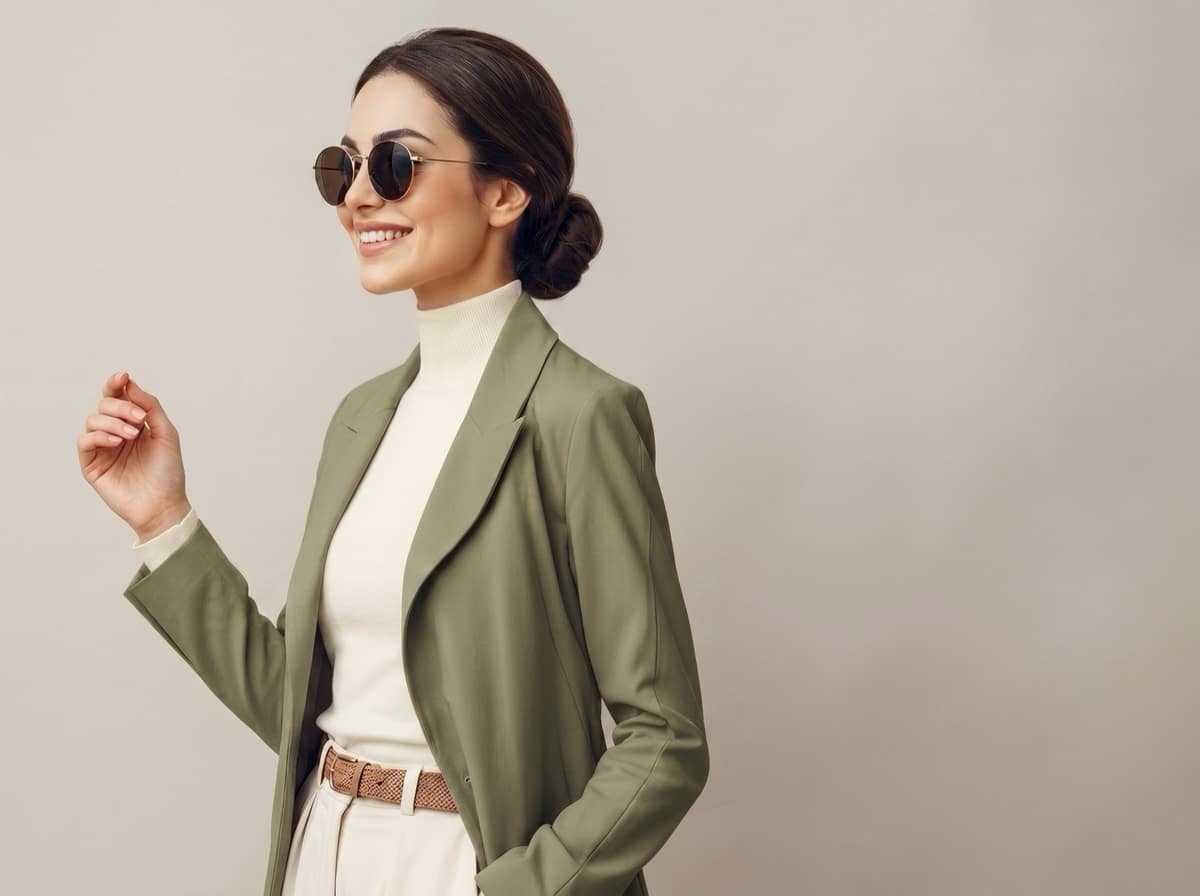
Standing in front of a full closet with nothing to wear is a uniquely modern problem. Virtual try-on solves it by letting you see a complete outfit on yourself before you commit, with no changing and no second-guessing.
What is AI virtual try-on?
Virtual try-on uses AI to place clothing onto a photo of you, generating a realistic preview of how a full look comes together. Instead of imagining whether those trousers work with that jacket, you see it rendered on your own frame in seconds.
Why it beats the mirror
- Compare faster. Swap a top or shoe and regenerate to see two looks side by side.
- Decide before you buy. Preview pieces together to avoid impulse buys that never get worn.
- Pack smarter. Plan a week of outfits from your wardrobe before a trip.
How to get the best results
The quality of a try-on depends on your input photo. A few tips:
- Use a clear, front-facing photo with good lighting and your whole body visible.
- Keep the background simple. MyDrobe crops tightly to you automatically, but a clean shot helps.
- Choose complementary pieces. Try-on shines when you combine items that make a coherent outfit; MyDrobe lets you select up to four at once.
Try it yourself
With MyDrobe, virtual try-on pulls straight from your digital wardrobe. Pick the pieces, tap generate, and see the look on you.
Download MyDrobe and try on your first outfit today.